




Mandar Apte

UI/UX Designer from Mumbai, Maharashtra, India.

Category: Code Examples

  • Essential factors to be considered while choosing UILabel and UITextView to display text for iOS, iPadOS and macOS apps.

    Choosing between UILabel and UITextView starts when you want to display text in your Apple iOS, iPadOS or macOS Catalyst App.

    I have even gone through the process of choosing UILabel or UITextView to display text on my app.

    So, I have made a small numbered list to help you choose the right option…

    Choose UILable to display text:

    1. If the text word count is small in number
    2. If Top Aligning text to the top border is not the requirement
    3. UILable is not tappable interactive, or selectable to the user’s input
    4. if you want to automatically adjust the font size and fit text to the UILabel bounding box layout

    Here is a Sample Code for UILabel:

    (more…)
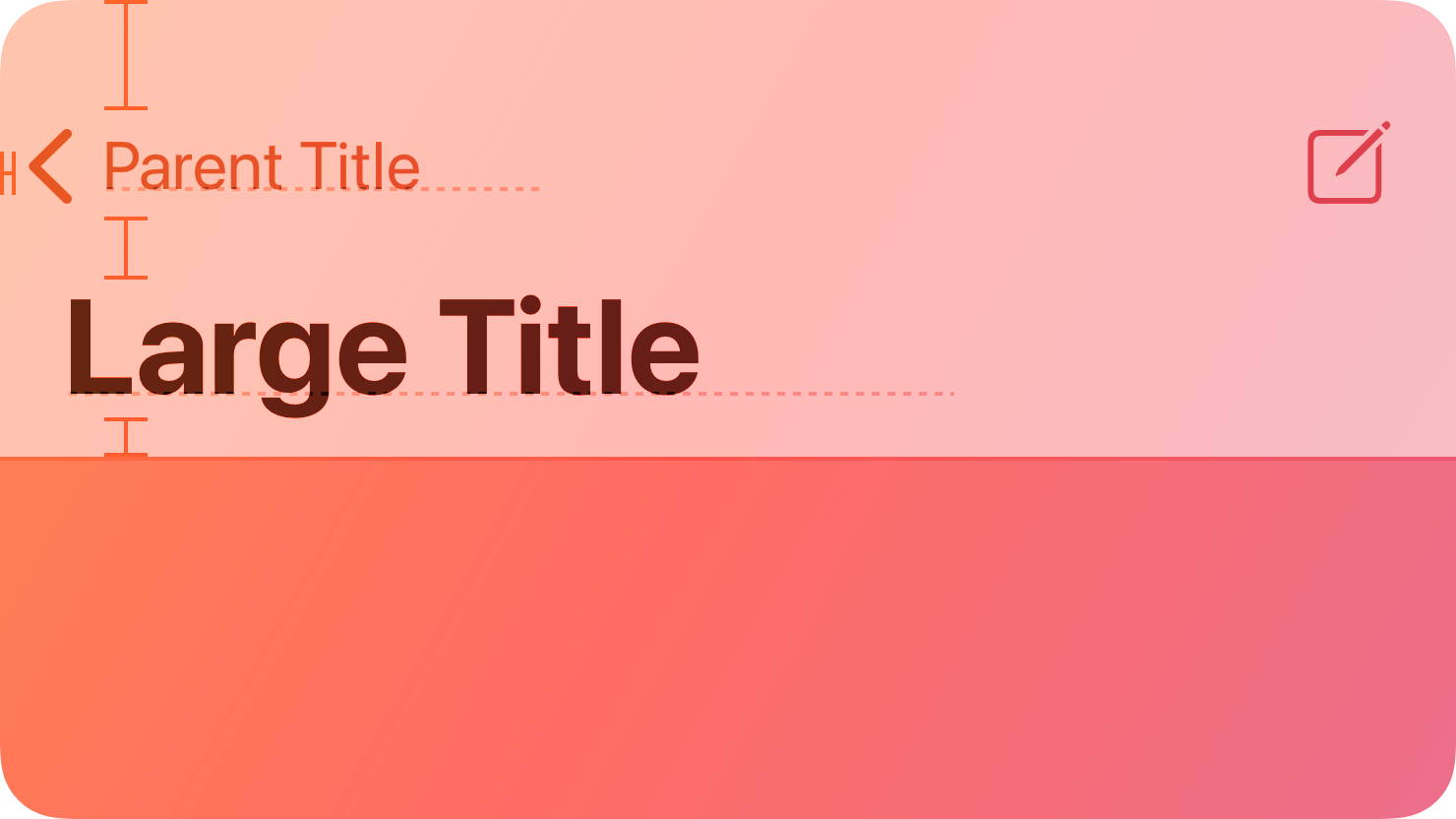

  • Show/hide the navigation bar on a particular view without disturbing the navigation bar hierarchy in iOS/iPadOS app.

    Show/hide the navigation bar on a particular view without disturbing the navigation bar hierarchy in iOS/iPadOS app.

    Sometimes, you want to hide the Navigation Bar from a particular view without manually deleting it from Main.storyboard,

    So, I have documented how to do it programmatically instead.

    Step 01:
    Copy the following code to your ViewController’s Swift file’s ‘viewWillAppear’ method for which view you want to hide the Navigation Bar on its load on your iPhone, iPad or Mac’s (Catalyst) app screen.

    
    override func viewWillAppear(_ animated: Bool) {
      super.viewWillAppear(true)
      self.navigationController?.setNavigationBarHidden(true, animated: true)
    }
    
    (more…)
  • Programmatically add Fab (Floating Action Button) Button to iPhone, iPad and Mac App.

    When Google released the Material Design Guidelines, they introduced many new design elements, including the Fabeingutton, a Floating Action Button.

    Normally, we see the Fab button in Android Mobile Apps, but many Apple iPhone, iPad, and Mac App Developers have started using it in their designs.

    Here, we will see how to programmatically add the Fab button in your iOS, iPadOS, and macOS app on any view, including UICollectionView or UITableView.

    Step 01: First, declare the UIButton variable in your View Controller

    var fabButton = UIButton()

    Step 02: Add this code to viewDidLoad()

    (more…)
  • Completely uninstall Android Studio from Mac.

    Completely uninstall Android Studio from Mac.

    After downloading and installing Android Studio for Mac, I noticed my Mac started heating too quickly with the fan running at full speed, and there was also a performance issue.

    So, I decided to uninstall Android Studio from Mac completely. I used the following command and documented it below if you want to perform the same process for uninstalling Android Studio from your Mac.

    Open Terminal.app from Applications > Utilities > Terminal.app and execute the following commands

    (more…)
  • Remove ‘Extended Attributes’ from macOS files, i.e. ‘Where from’ property details downloaded online.

    Imagine you have downloaded a file from a website or especially a Google Drive shared folder, and when you select the same file on your local Macintosh HD and use the ‘Command + I’ command on your Mac’s Keyboard, what you see is a long list of gibberish URL the file you downloaded from under ‘Where from’ section.

    It looks something like this:

    Now, you may ask how to remove this Where from section gibberish from your file or all files inside the folder. The answer follows these simple steps.

    To remove specific ‘Where from’ attributes from the file:
    Use the ‘xattr’ command with the ‘-d’ flag and then describe the command to delete specific attributes. Here is ‘Where from’.

    (more…)
  • Programmatically identify iPhone devices that have a notch or safe area.

    Since the iPhone X, Apple has released various sizes of iPhones with a notch.

    So, Identifying new iPhones that have a notch or don’t is a new problem for every Apple App Store App Developer. Apple just released in 2020 with iPhone 12, Pro, Pro Max and Mini, which are not similar in screen dimensions to previous generations of iPhone 11.

    After reading and surfing the web, I found two helpful articles that will guide you to solve this problem: one post on Stack Overflow and another article by @cafielo.

    However, the code shared in both articles above was incompatible with new Apple iOS versions 13 and 14.

    So I rewrote those code that may be compatible with Apple iOS 13 and 14 operating system.

    (more…)
  • Resolve Cloudflare’s ‘Invalid Domain’ error while adding a new site.

    Background:

    Cloudflare is a good web service that provides CDN, Caching, HTML – JavaScript – CSS Minifying and security from DDOS attacks free of cost.

    However, you must add your domain to Cloudflare to use this service.

    Interaction is simple. At the top of your dashboard’s navigation bar, there is a prominent button called ‘Add Site’. Clicking it transfers you to the next page, where you can copy-paste your website’s URL.

    If you are getting an error like ‘Invalid Domain’ while adding your website to Cloudflare, use this trick to bypass this error.

    If you are copy-pasting the URL with the http suffix, then you will get an error:

    // You will get error
    http://yourdomain.com

    Then you have to enter your domain without http or www, and It should look like this:

    // Success
    yourdomain.com

    The ‘Invalid Domain’ error should be resolved by now.

    I hope it helps.

    Thanks & Regards
    Mandar Apte

  • Stop email notifications for WordPress Theme and Plugin Updates.

    With the WordPress 5.5 release, you may have experienced new random daily emails you may have received for every WordPress self-hosted theme and plugin update.

    Here is how to stop email notifications for theme and plugin updates:

    Copy the code below in your domain theme’s functions.php file… It will look something like this…

    (more…)
  • Repair User Home Folder Permissions for Mac

    I will explain how to repair your Mac’s Home Folder Permissions. This will fix any annoying repeated Finder, iTunes / Music, or application issues on your Mac.

    Follow these steps to reset permissions:

    Step 01:
    Turn on or restart your Mac and immediately press and hold ‘Command (⌘) R’ to start up from macOS Recovery.

    Step 02:
    Enter the firmware password or administrator password if prompted on your Mac.

    Step 03:
    Choose Utilities > Terminal from the menu bar when you see the macOS Utilities window.

    (more…)
  • Programmatically identify device type iOS, iPadOS & macOS Catalyst.

    If you are developing a macOS catalyst app, you may be wondering how to conditionally write code specifically for iOS, iPad OS, or the macOS 10.15 catalyst app.

    Here is how to do it.

    Use the code below to declare specifically written code, which will compile only for iOS and iPadOS.

    #if !targetEnvironment(macCatalyst)
    // Code that will execute only on iOS 13, iPadOS 13 and above
    
    #endif

    Use the code below to compile only for the macOS 10.15 Catalina Catalyst app and above.

    (more…)

Sponsors


Search